From file to flow
Drop a document. Copy or download your Markdown. Get back to creating.
Turn Word, PDF, spreadsheets and more into clean Markdown.
All in your browser. All yours.
Drop your document here
Word, PDF, Excel, PowerPoint & more
Choose a fileor drag and drop it here
Drop a document. Copy or download your Markdown. Get back to creating.
Headings, lists, tables and equations. The useful parts, in a portable format.
Your files never leave this tab. No uploads, no accounts, no document storage.
 ANYMARKDOWN FOR iPHONE & iPAD
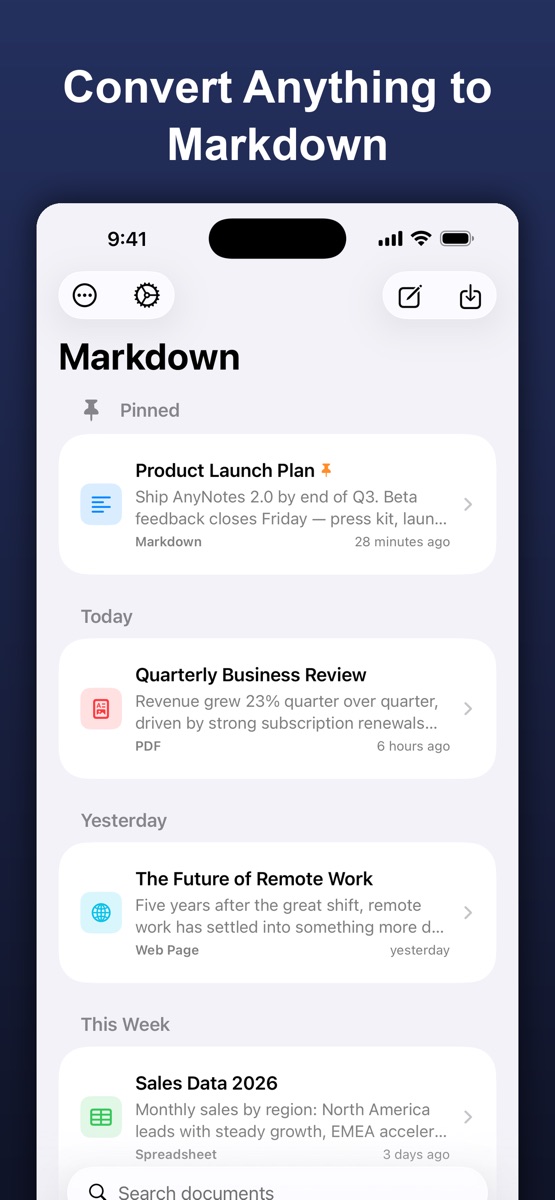
Enjoy the web converter? Take AnyMarkdown with you. Scan documents, refine your writing and keep your library close — wherever you work.
Get AnyMarkdown on the App StoreFree to try · In-app purchases for Pro · iPhone & iPad
On-device OCR for scanned PDFs, images and screenshots.
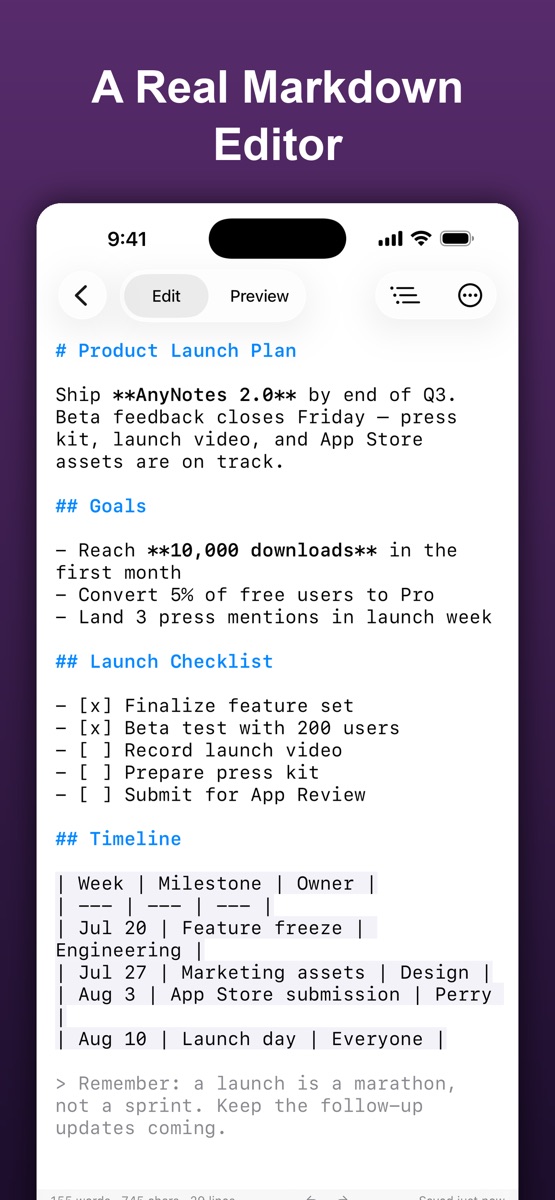
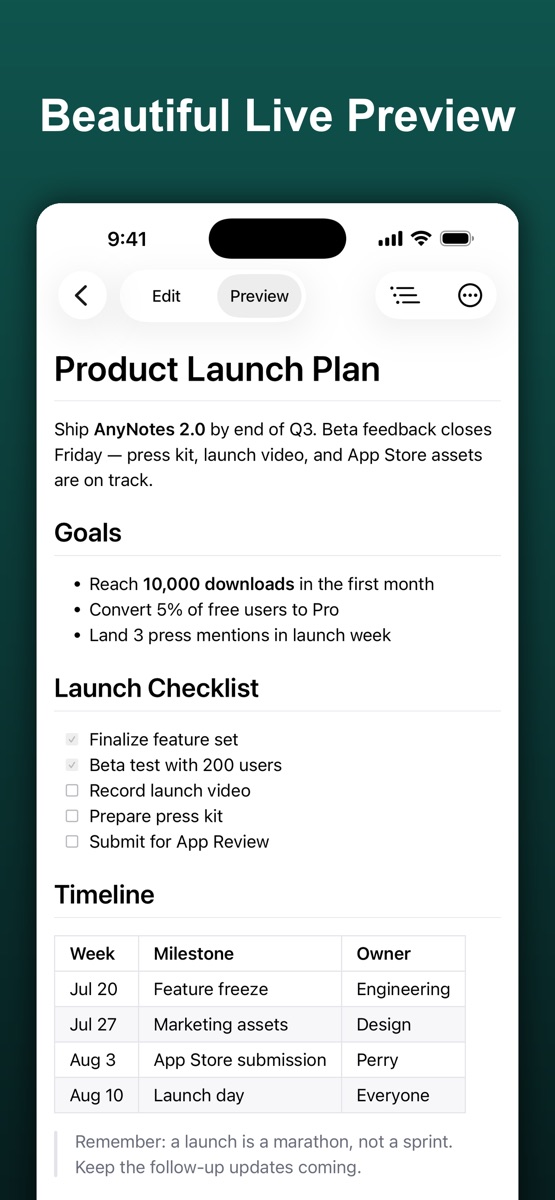
Syntax highlighting, a visual table editor and live preview.
Organize your documents, sync with iCloud and export Markdown, HTML or PDF.
Choose a format to explore what converts and what to expect.
A fresh start for your notes, knowledge base or next project.
Great tools are clear about their limits.
Yes. No account, subscription or conversion credits. Conversion runs on your device.
There is no imposed limit. Available memory on your device determines how large a file can be processed.
The web converter handles one file at a time. AnyMarkdown for iOS supports batch conversion.
Once this page and the conversion engine have loaded, you can keep converting in this tab without a connection.