Turn scans into editable text
On-device OCR for scanned PDFs, images and screenshots.
The binary .ppt format is read through its persist directory — the index PowerPoint uses to find the current version of each slide — so you get the slides as last saved rather than a jumble of superseded edits.
Drop a .ppt file here
Word, PDF, Excel, PowerPoint & more
Choose a fileor drag and drop it here
 ANYMARKDOWN FOR iPHONE & iPAD
Enjoy the web converter? Take AnyMarkdown with you. Scan documents, refine your writing and keep your library close — wherever you work.
Get AnyMarkdown on the App StoreFree to try · In-app purchases for Pro · iPhone & iPad
On-device OCR for scanned PDFs, images and screenshots.
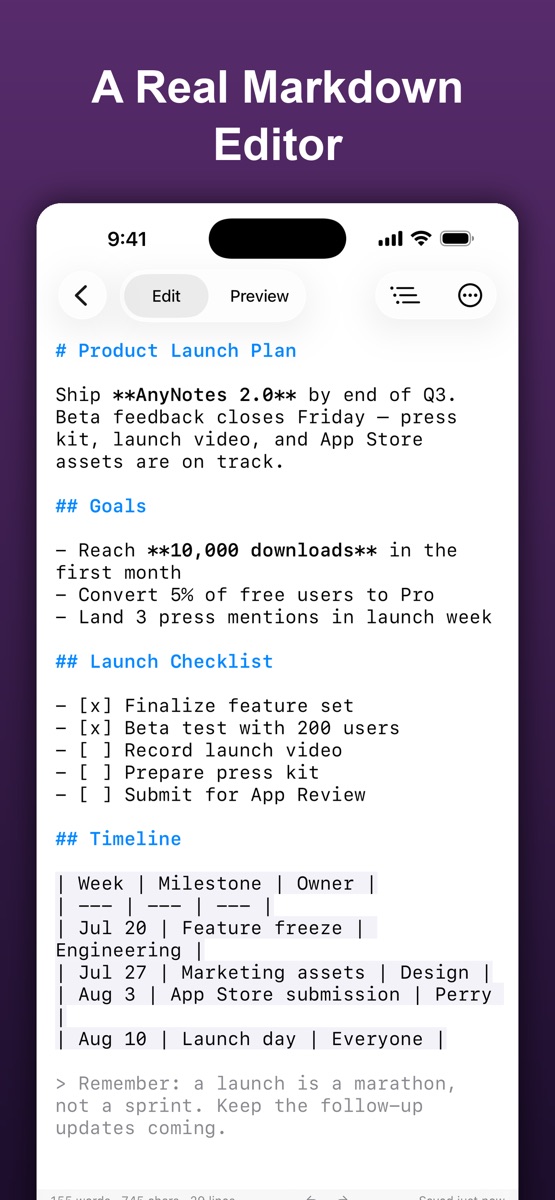
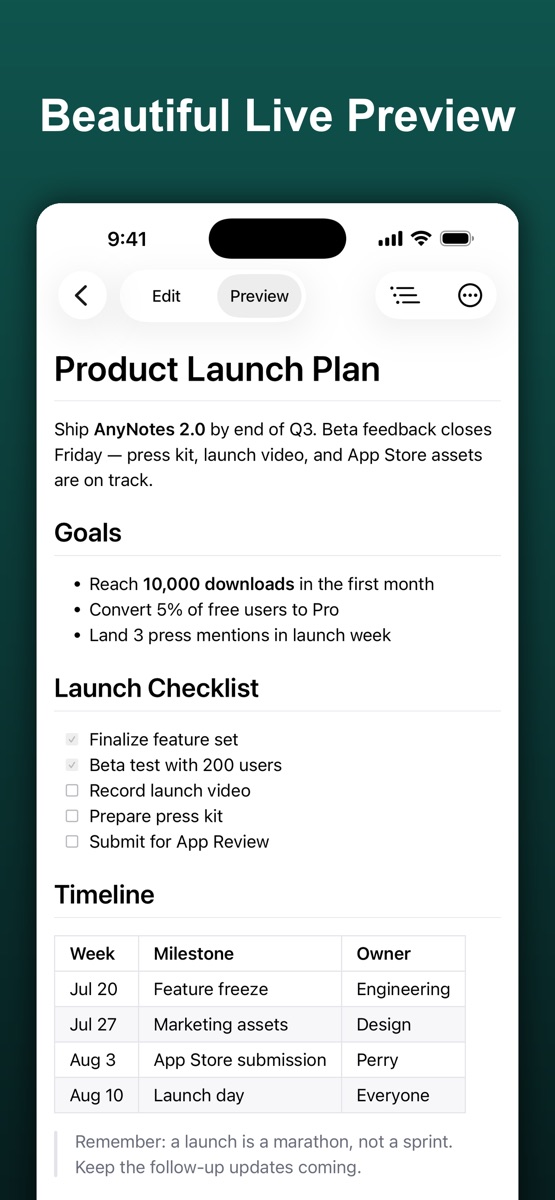
Syntax highlighting, a visual table editor and live preview.
Organize your documents, sync with iCloud and export Markdown, HTML or PDF.

.md file.The file's index of current slide versions could not be read, so the parser fell back to reading the raw stream, which still contains earlier edits. Re-saving the deck in PowerPoint rebuilds the index.
After the page and the engine have loaded once, yes — the conversion itself needs no network. The engine is fetched on your first conversion, not on page load.
No. The converter is a WebAssembly build of the anydoc engine that runs inside your browser tab. Your file is read into memory, converted, and discarded when you close the page. Nothing is transmitted, stored, or logged.