Turn scans into editable text
On-device OCR for scanned PDFs, images and screenshots.
RTF stores formatting as control words in plain text. Headings, emphasis and lists are recovered from those control words and written out as Markdown.
Drop a .rtf file here
Word, PDF, Excel, PowerPoint & more
Choose a fileor drag and drop it here
 ANYMARKDOWN FOR iPHONE & iPAD
Enjoy the web converter? Take AnyMarkdown with you. Scan documents, refine your writing and keep your library close — wherever you work.
Get AnyMarkdown on the App StoreFree to try · In-app purchases for Pro · iPhone & iPad
On-device OCR for scanned PDFs, images and screenshots.
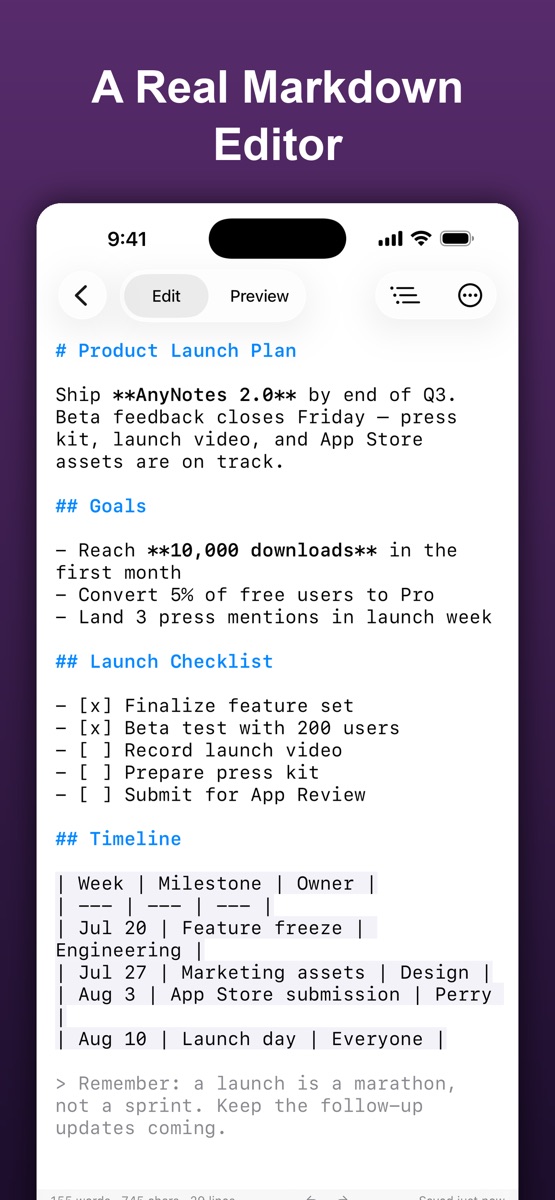
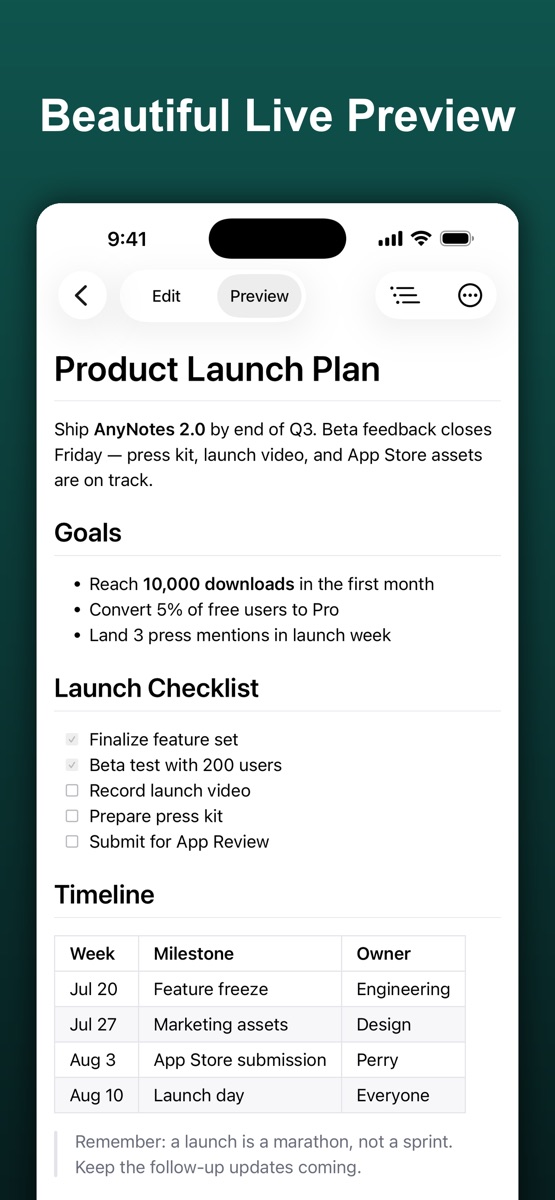
Syntax highlighting, a visual table editor and live preview.
Organize your documents, sync with iCloud and export Markdown, HTML or PDF.

.md file.Many editors write \ansicpg936 into the header while filling the body with Windows-1252 smart quotes. A converter that trusts the declaration decodes those bytes as GBK, and a quotation mark becomes a character like 揑. This site checks whether the high bytes actually pair up the way real double-byte text does, and corrects the declaration when they do not.
No. Real CJK text stores every character as two adjacent high bytes; smart quotes appear as isolated single ones. The correction only applies when the isolated bytes outnumber the paired ones.
No. The converter is a WebAssembly build of the anydoc engine that runs inside your browser tab. Your file is read into memory, converted, and discarded when you close the page. Nothing is transmitted, stored, or logged.