Turn scans into editable text
On-device OCR for scanned PDFs, images and screenshots.
A deck becomes a readable outline: each slide contributes a heading taken from its title placeholder, followed by its bullet content and any tables it contains.
Drop a .pptx or .pptm or .ppsx or .ppsm or .pps or .pot file here
Word, PDF, Excel, PowerPoint & more
Choose a fileor drag and drop it here
 ANYMARKDOWN FOR iPHONE & iPAD
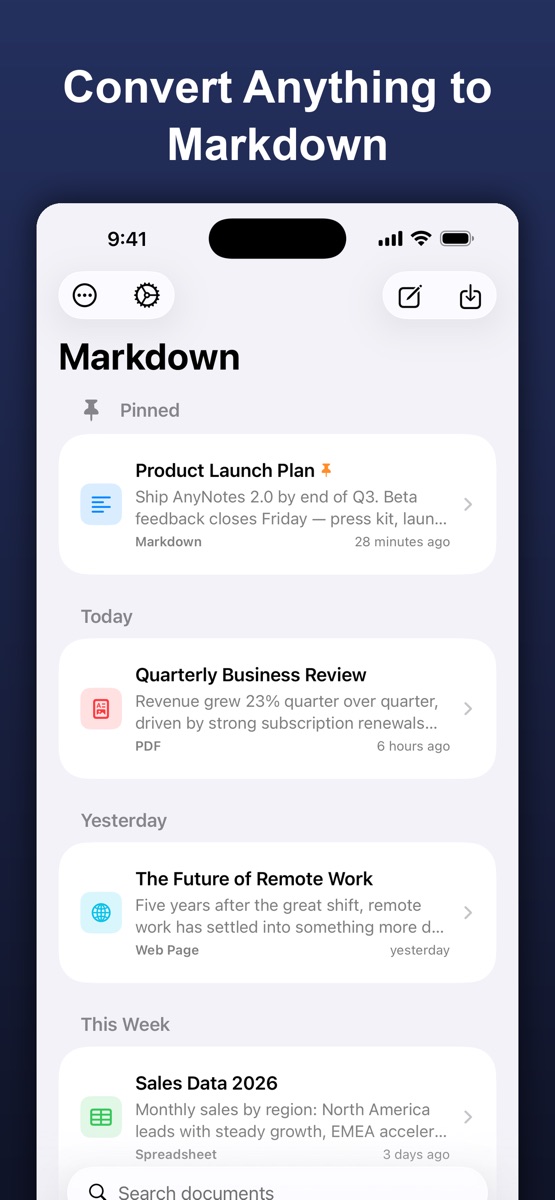
Enjoy the web converter? Take AnyMarkdown with you. Scan documents, refine your writing and keep your library close — wherever you work.
Get AnyMarkdown on the App StoreFree to try · In-app purchases for Pro · iPhone & iPad
On-device OCR for scanned PDFs, images and screenshots.
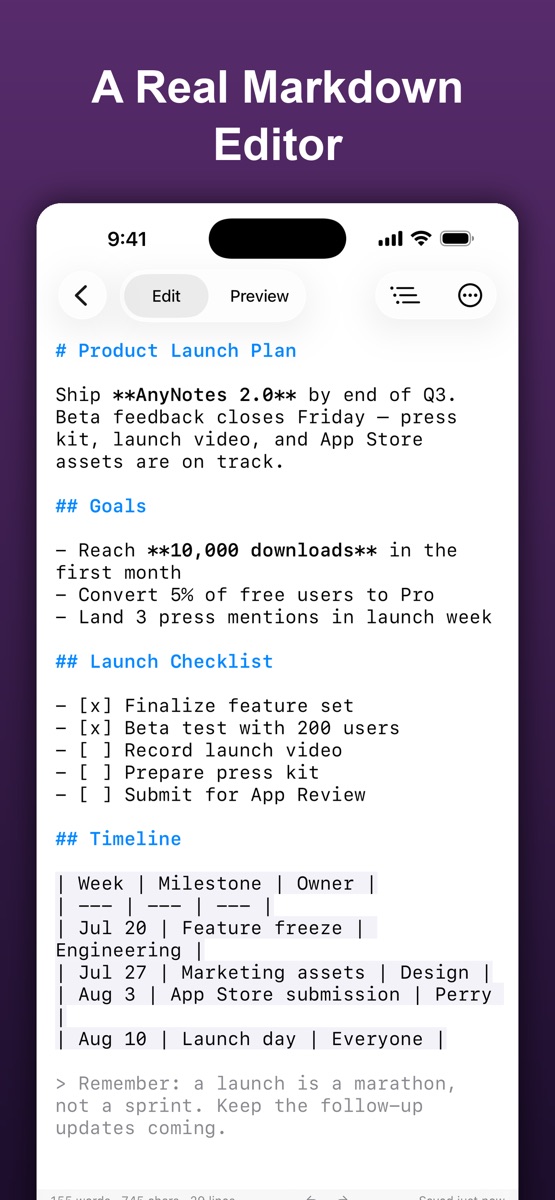
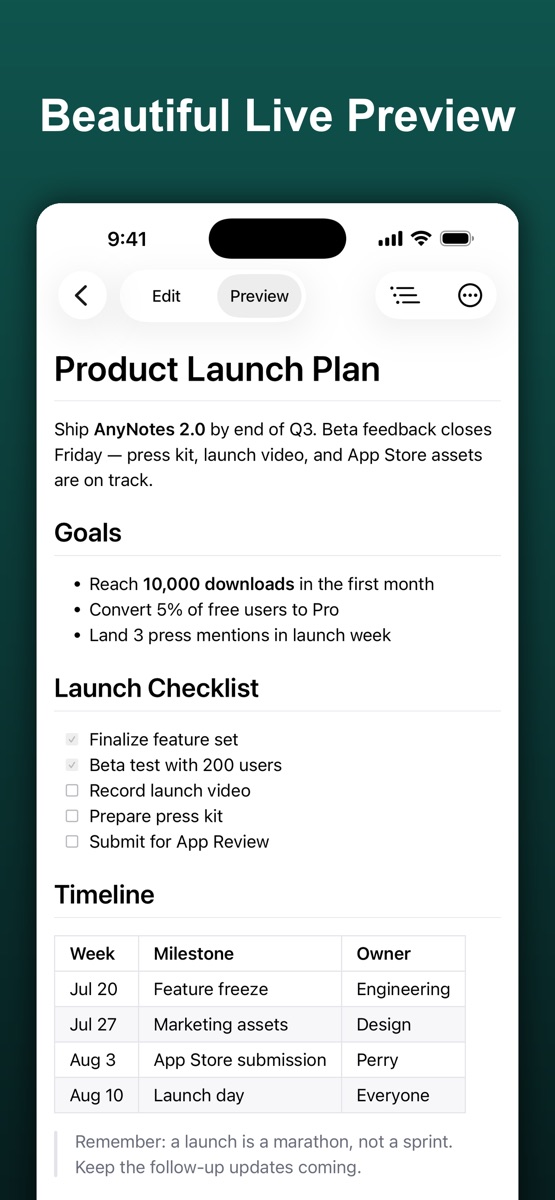
Syntax highlighting, a visual table editor and live preview.
Organize your documents, sync with iCloud and export Markdown, HTML or PDF.
.md file.They are the same package format with a different intent flag — a slideshow and a macro-enabled deck. Both convert identically here.
No. The output is the deck as an audience sees it. Notes live in a separate part of the package and are skipped.
No. The converter is a WebAssembly build of the anydoc engine that runs inside your browser tab. Your file is read into memory, converted, and discarded when you close the page. Nothing is transmitted, stored, or logged.