Turn scans into editable text
On-device OCR for scanned PDFs, images and screenshots.
Text-based PDFs — anything exported from Word, LaTeX, a browser or a report generator — are converted to Markdown with headings inferred from the document's own font hierarchy.
Drop a .pdf file here
Word, PDF, Excel, PowerPoint & more
Choose a fileor drag and drop it here
 ANYMARKDOWN FOR iPHONE & iPAD
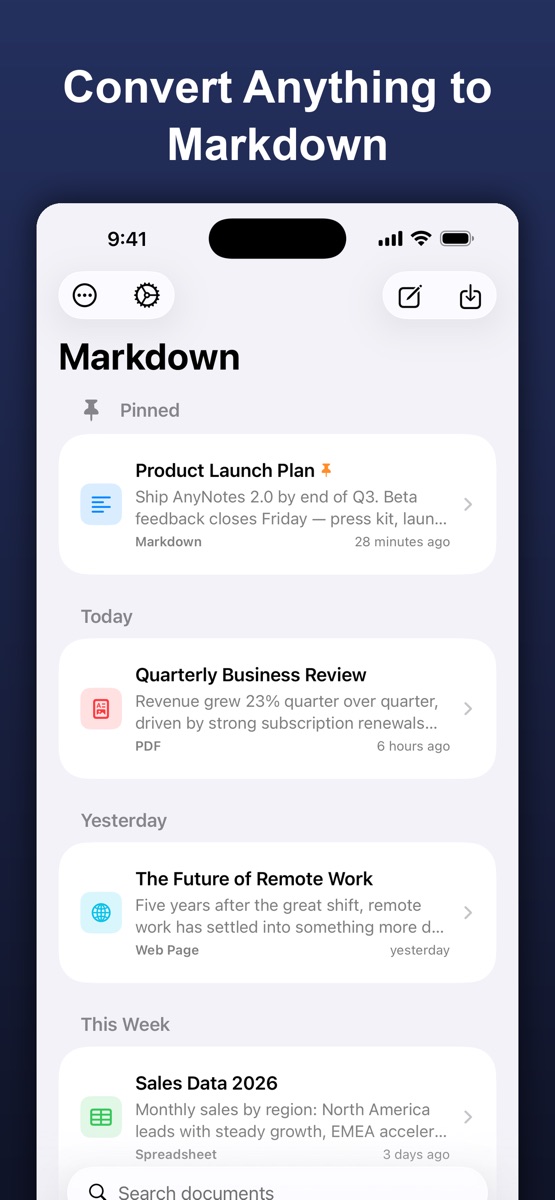
Enjoy the web converter? Take AnyMarkdown with you. Scan documents, refine your writing and keep your library close — wherever you work.
Get AnyMarkdown on the App StoreFree to try · In-app purchases for Pro · iPhone & iPad
On-device OCR for scanned PDFs, images and screenshots.
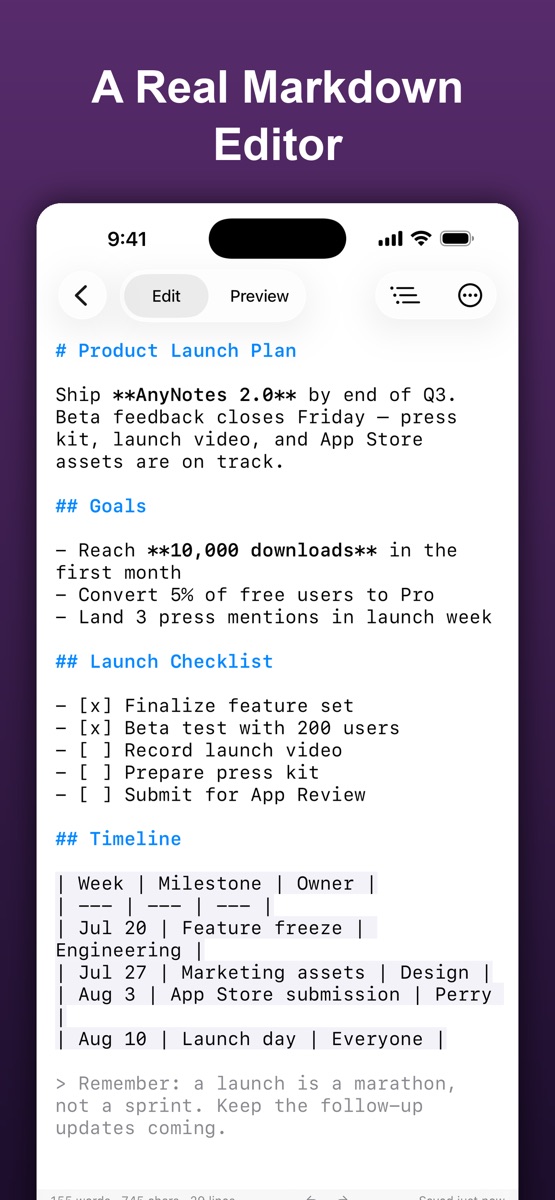
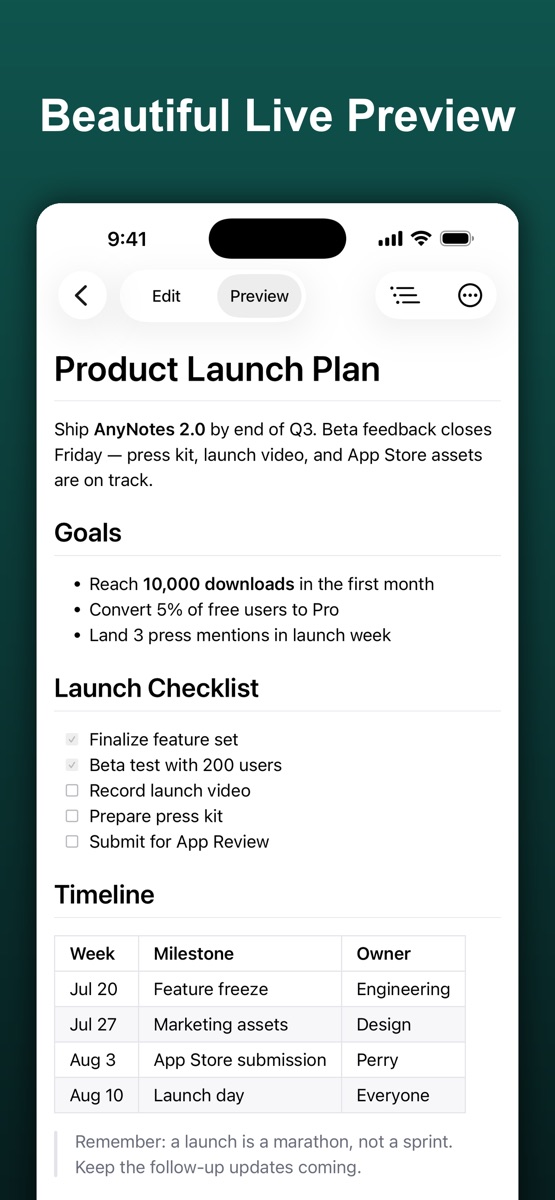
Syntax highlighting, a visual table editor and live preview.
Organize your documents, sync with iCloud and export Markdown, HTML or PDF.
.md file.No — a scan is a picture of a page, and extracting its text requires OCR, which this converter deliberately does not do. It tells you which pages need OCR instead of returning an empty result. The AnyMarkdown iOS app does OCR on-device if you need it.
PDF has no notion of a table. It stores glyphs at coordinates, and a visual table is just text that happens to line up. Recovering it reliably needs layout analysis beyond what a text extractor can do.
No. The converter is a WebAssembly build of the anydoc engine that runs inside your browser tab. Your file is read into memory, converted, and discarded when you close the page. Nothing is transmitted, stored, or logged.