Turn scans into editable text
On-device OCR for scanned PDFs, images and screenshots.
Drop a Word document and get GitHub Flavored Markdown back. Headings keep their levels, lists keep their nesting, tables become pipe tables, and footnotes are carried over as Markdown footnotes.
Drop a .docx or .docm file here
Word, PDF, Excel, PowerPoint & more
Choose a fileor drag and drop it here
 ANYMARKDOWN FOR iPHONE & iPAD
Enjoy the web converter? Take AnyMarkdown with you. Scan documents, refine your writing and keep your library close — wherever you work.
Get AnyMarkdown on the App StoreFree to try · In-app purchases for Pro · iPhone & iPad
On-device OCR for scanned PDFs, images and screenshots.
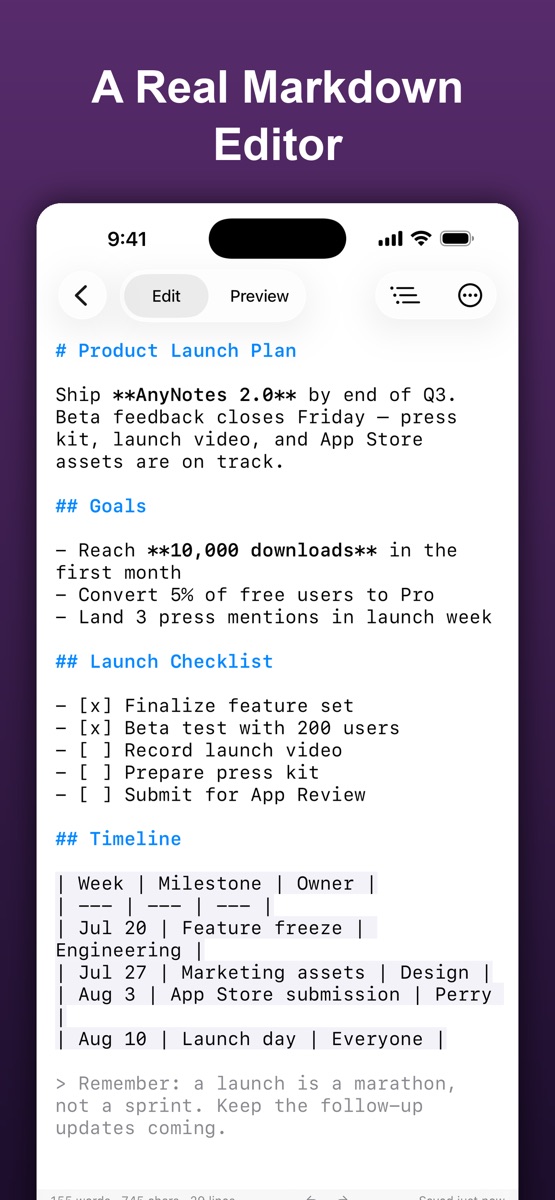
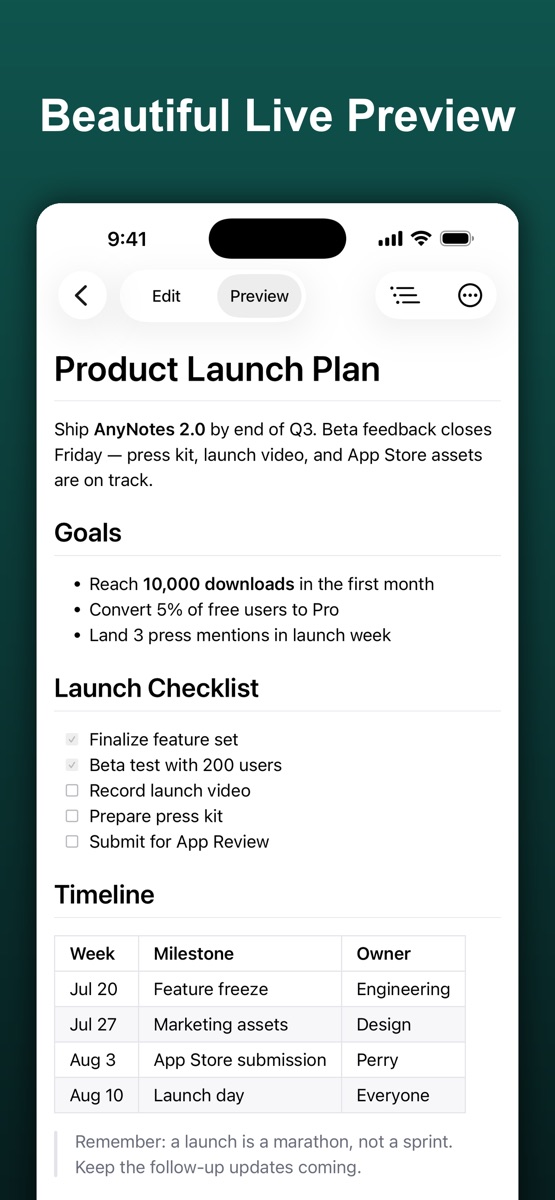
Syntax highlighting, a visual table editor and live preview.
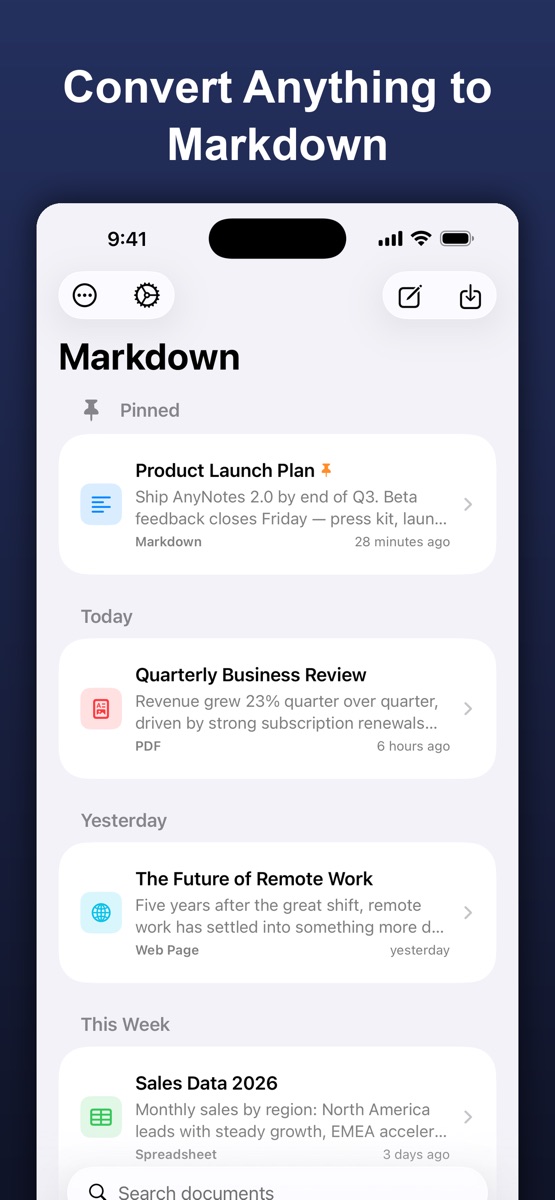
Organize your documents, sync with iCloud and export Markdown, HTML or PDF.
.md file.Only the macros. A .docm is a .docx that is allowed to carry VBA. Both parse identically here, and macros are ignored rather than executed.
No. Comments live outside the document body and are dropped, so the Markdown matches what you would see when printing the document.
No. The converter is a WebAssembly build of the anydoc engine that runs inside your browser tab. Your file is read into memory, converted, and discarded when you close the page. Nothing is transmitted, stored, or logged.